How to Print Two Sided Labels
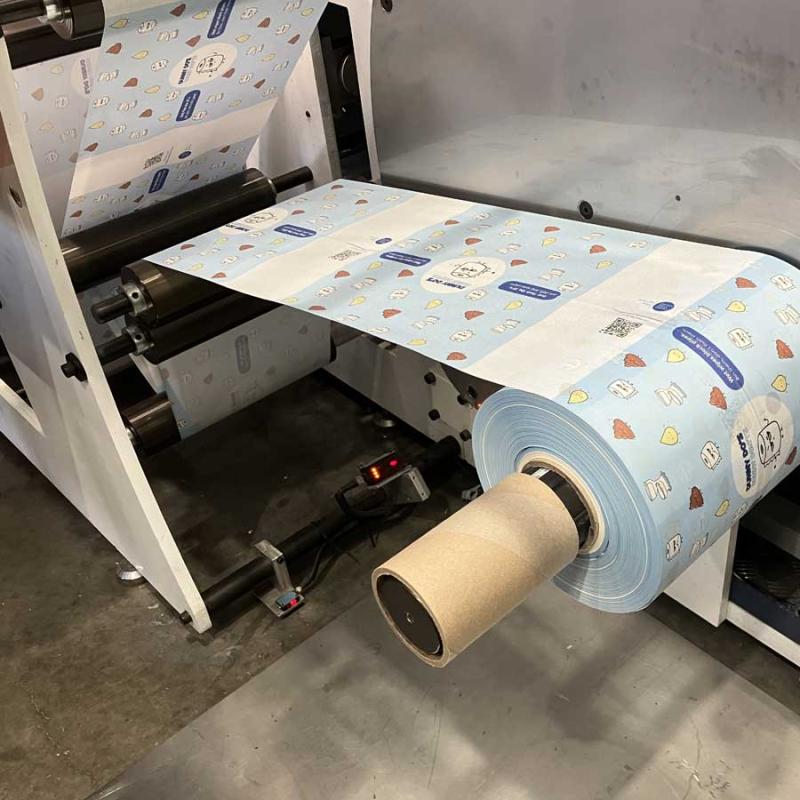
Printing two sided labels may sound complex, but it is quite straightforward once you understand how the process works. Many businesses in Australia are now producing double sided labels to save space on packaging, add design features, or meet industry labelling standards. Whether you are working with paper, film, or transparent material, knowing how to use your printer correctly makes all the difference.
Choose the Right Label Material
The first step is selecting the right label material. The choice depends on what the label will be used for. Paper labels are perfect for simple product tags, while white or transparent film labels are better suited for bottles or containers exposed to moisture. Transparent material works well when you want the bottle colour to show through, while a solid white label gives more control over how the printed colour appears.
Prepare the Printer Settings
Before printing, check that your printer supports duplex or two sided printing. Many digital and industrial printers come with this option. In some cases, you may need to manually feed the labels back into the machine to print the second side. Always perform a test print to ensure alignment is correct. Make sure to adjust the print settings to match the label size, material thickness, and surface finish.
Use the Correct Print Design Setup
Designing a two sided label requires planning. Each side should have its own layout, with matching orientation and margins. For example, if you are printing labels for a bottle, you may have the product details on one side and branding on the other. Using design software that supports CMYK colour profiles ensures consistency between the two sides. Colour management is particularly important when printing on transparent film because the ink may look lighter once applied to the surface.
Select the Proper Printing Method
There are several ways to print double sided labels. A standard digital label printers can handle most paper-based materials. Inkjet and toner-based machines each have their strengths. Inkjet printers are better for smooth colour gradients, while toner printers deliver sharp, durable images. Always use ink and material that are compatible, especially if the labels are exposed to water or heat.
Inspect and Finish the Labels
Once printed, inspect the labels for clarity, registration, and colour balance. If the label is applied to a transparent surface such as a glass bottle, check both sides for alignment. In professional setups, lamination can be added to protect the print from scratches or fading. Roll labels can also be slit and rewound for use in automated labelling systems.
How to print double / two sided labels and stickers with OKI PRO1050
Printing two sided labels can enhance your product presentation and provide valuable space for branding or information. With the right materials, printer, and attention to colour and alignment, you can produce a professional result that looks great on any product. Investing in quality label printers or industrial printers ensures consistent performance and a finish that meets Australian packaging standards.
Post Your Ad Here
Comments