Native Mobile App Development: Why the Hard Way Is Sometimes the Right Way
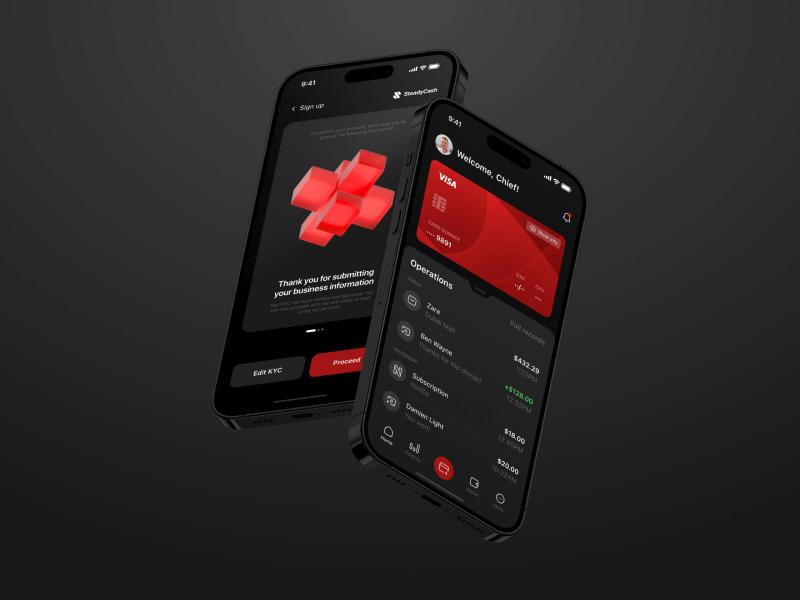
At some point, every founder hits that wall: the product is live, users are growing, and suddenly someone on the team says the cursed words—“We need a mobile app.”
Now, you could cheat. There are shortcuts, frameworks, and magical promises of “build once, run everywhere.” But the truth? If you’re serious about building something that performs well, delights users, and doesn’t break every other Tuesday, you’ll at least need to consider going native. Especially if you’re playing in industries like healthcare, where reliability and trust aren’t optional.
Let’s walk through what “native” actually means, when it makes sense, and when it might just be overkill.
Native Apps: The Real Deal
“Native” isn’t just marketing lingo. It literally means building for one platform—iOS or Android—using the tools those platforms were designed for. Swift for iOS, Kotlin for Android. The result: apps that talk directly to the operating system without some awkward translator in the middle.
That matters. Native apps scroll smoothly, animations don’t stutter, and the camera opens in a fraction of a second instead of hanging awkwardly while the user wonders if the thing’s frozen.
It’s the difference between ordering coffee in your native language versus through Google Translate. One is quick and seamless. The other gets you a cappuccino when you asked for black coffee, and then you’re late for work.
The Cross-Platform Temptation
Now, don’t get me wrong—cross-platform frameworks like React Native or Flutter have their place. If you’re testing an idea, building a simple utility, or racing to launch something before your competitor, they’re lifesavers. One codebase, two platforms, faster time-to-market.
The catch? As soon as you want fancy animations, heavy data processing, or deep integration with device features (Face ID, AR, advanced sensors), you’ll find yourself writing “just a little bit of native code.” And then a little more. And then you’ve basically built two apps anyway.
The middle ground is real: cross-platform for speed, native for polish. But if your users are the kind of people who notice a one-second delay—or if you’re building an app where downtime means money lost—you’ll be better off going full native.
iOS and Android: Two Worlds, Two Toolkits
If you go native, you’re committing to two different ecosystems. Apple wants you in Xcode, speaking Swift, following Human Interface Guidelines to the letter. Google hands you Android Studio, Kotlin, and Material Design.
Sounds like twice the work—and it is—but you also get the upside:
-
Performance without excuses. Compiled code, no bridges.
-
Instant access to new features. If Apple announces some shiny new ARKit update tomorrow, you can use it tomorrow.
-
Design that feels right. An iOS app feels like it belongs on iOS. Same for Android.
The tradeoff? Higher costs, longer timelines, and the need for teams that actually know what they’re doing. But if you’re aiming for quality, that’s the price of admission.
And if you’re building for the Apple ecosystem in particular, dedicated iOS development isn’t just a checkbox—it’s the difference between “nice app” and “this feels like magic.”
So, When Do You Choose Native?
Here’s the short list:
-
Performance-critical apps. Think fintech, games, AR/VR, or apps crunching live data.
-
Hardware-heavy apps. Anything that lives and dies by GPS, camera, sensors, or biometric authentication.
-
Pixel-perfect UI. Apps where design isn’t just decoration but the product itself.
-
Enterprise-grade reliability. When crashes aren’t just annoying—they’re deal-breakers.
Basically, if your app has to impress, not just exist, native is the safe bet.
Real-World Case Study: Uber Didn’t Go Hybrid
Take Uber. Real-time GPS tracking, hundreds of moving pins on a map, background execution even when the app is closed. Do you think that’s running on a “write once, run everywhere” setup? Not a chance. Uber went native early, and for good reason. Reliability at scale doesn’t tolerate shortcuts.
The lesson: shortcuts are fine until they aren’t. And when they aren’t, they can cost you far more than you saved at the start.
Costs, Timelines, and Reality Checks
Let’s be honest: native development isn’t cheap. Two teams, two codebases, longer timelines. You’ll pay more up front, and you’ll pay more in maintenance. But here’s the trick: you’ll probably save in the long run because you’re not constantly firefighting performance bugs or waiting for some third-party library to update.
If you’re building a quick MVP to show investors? Cross-platform might be smarter. If you’re building the product you expect to scale for years? Go native.
Final Word
Native development is like eating your vegetables. Not as exciting as that new JavaScript framework of the week, but it’s what actually keeps your product healthy in the long run. You get performance, reliability, and a user experience that feels like it belongs.
But context matters. For startups on a shoestring budget, cross-platform is a reasonable compromise. For apps that need to scale, win trust, and deliver the kind of polish users don’t consciously notice but definitely feel—native is still king.
And if you’re still on the fence, look at industries like e-learning. Here, user engagement is everything. Laggy interfaces, clunky navigation, or broken integrations aren’t just annoyances—they’re deal-killers. That’s exactly where native shines.


Comments