Fiber vs CO2 Laser Engraving

If you only remember one thing: CO2 lasers dominate for organic materials (wood, acrylic, leather, paper, rubber), while fiber lasers dominate for metals (stainless steel, aluminum, brass, titanium) and many engineered plastics. The best choice is rarely “more power”—it is the laser type that matches your material, desired contrast, and production workflow.
This guide is written for buyers and beginners who want clean, predictable engraving results—without wasting time on the wrong machine for the job.
Recommended reading (3 links only)
Fiber vs CO2 laser engraving: material compatibility and what engraves best
How to do color engraving on stainless steel (setup + logic)
The real difference
CO2 laser engraving
A CO2 laser beam is strongly absorbed by many non-metals. In practice, CO2 engraving usually works by:
Vaporizing or charring material on the surface
Producing high contrast on wood, leather, paper
Creating frosted / matte engraving on acrylic and glass (often with masking/spray techniques)
Typical results: visibly “burned” or etched texture, strong contrast on organics, smooth frosting on acrylic.
Fiber laser engraving
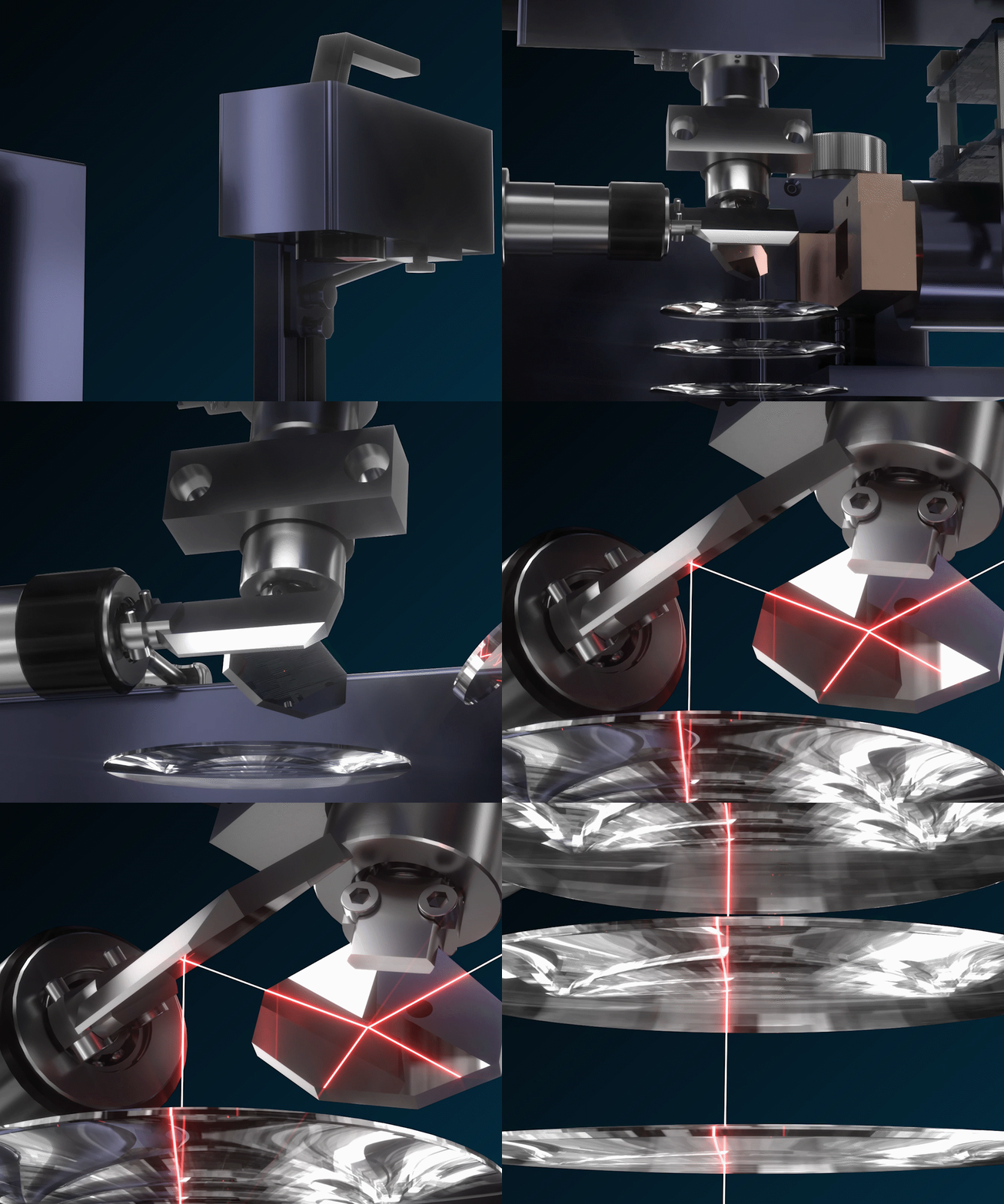
A fiber laser interacts extremely well with metal surfaces. It can:
Create dark marks on some metals by surface oxidation or micro-texturing
Produce deep engraving on metals with multiple passes
Do high-speed marking (serial numbers, QR codes, barcodes, logos)
Enable certain “color-like” effects on stainless steel under tightly controlled conditions
Typical results: crisp, high-resolution marks on metal; controlled contrast; optionally color-style effects on stainless.
Material compatibility (the table people actually need)
Use this as your “first filter.” If your core material is in the left column, the preferred laser is usually correct.
| Material / Job | Better with CO2 | Better with Fiber | Notes for better results |
|---|---|---|---|
| Wood / plywood / MDF | Yes | Sometimes | CO2 gives strong contrast; watch smoke staining; use air assist |
| Acrylic (cast/clear/colored) | Yes | Sometimes | CO2 produces clean frosting and cuts; fiber may not engrave acrylic reliably |
| Leather / paper / cardboard | Yes | No | CO2 is standard; fiber risks poor absorption or melting |
| Rubber stamps | Yes | No | CO2 commonly used; ventilation matters |
| Glass / ceramics | Yes (etch) | Rare | CO2 can etch with correct setup; avoid overheating cracks |
| Stainless steel marking | Limited | Yes | Fiber is standard for crisp marks; can do deep engrave/black mark |
| Aluminum marking | Limited | Yes | Fiber works well; anodized aluminum is especially easy |
| Brass / copper marking | No | Yes | Fiber preferred (higher reflectivity still manageable with correct settings) |
| Titanium marking | No | Yes | Fiber works well; good contrast potential |
| Painted / coated metals | Sometimes | Yes | Fiber is typically more consistent on coated/painted surfaces |
| Plastic (ABS, PC, some engineered plastics) | Sometimes | Often | Depends heavily on plastic type and additives; test first |
Practical takeaway:
If your product line is mostly non-metal: CO2 is usually your shortest path to good results.
If your product line is mostly metal (or you need serial numbers/traceability): fiber is usually the correct tool.
Engraving results: contrast, detail, and “what will it look like?”
Contrast
CO2 on organics: contrast is often naturally high (you can see the “burn”/etch).
Fiber on metals: contrast depends on metal type, finish, and settings. Some metals give deep black; others look gray unless optimized.
Detail and sharpness
Fiber is generally higher-resolution for fine text and small QR codes on metal.
CO2 is excellent on non-metals but can show more “heat character” (charring/edge darkening) on some woods.
Depth
Deep metal engraving is usually more practical with fiber (multiple passes, controlled energy).
CO2 can engrave depth in wood/acrylic, but depth on metal is typically not its strength.

“Engraving” vs “Marking” vs “Cutting” (why terminology matters)
Many beginners search “engraving” but actually need “marking” (a readable surface mark), or they want both engraving and cutting in one workflow.
A quick rule:
Marking: surface-level ID (logos, text, QR), fast, minimal depth
Engraving: physical depth or texture, slower, more passes
Cutting: fully through material, totally different process priorities
If you align your goal with the correct term, you will choose the right laser type, settings, and expectations.
Decision tree: which should you buy?
Choose CO2 if:
You primarily engrave wood, acrylic, leather, paper, rubber
You want high-contrast “burned” looks on wood/leather
You want one machine that handles non-metals reliably
Choose fiber if:
You primarily engrave/mark metals
You need small text, QR codes, serial numbers
Your workflow is industrial marking, traceability, or production labeling
You want to explore black marking or color-like effects on stainless steel (with testing and strict process control)
If you do both metal + non-metal regularly:
In many shops, the optimal answer is two specialized tools, not one compromised tool. If budget forces a single purchase, pick the laser that matches the majority of revenue-producing jobs.
Common mistakes (and quick fixes)
Mistake 1: Picking by wattage instead of material
Power matters, but laser type determines whether your material absorbs energy well.
Fix: decide laser type first, then power.
Mistake 2: Expecting CO2 to engrave bare metals like fiber
CO2 can mark some coated metals or via special sprays, but it is not the same as fiber on metal.
Fix: if metal marking is core, go fiber.
Mistake 3: Ignoring surface finish
Brushed vs mirror stainless can look completely different.
Fix: test on the same finish you will sell.
Mistake 4: No ventilation / poor fume handling
Smoke staining on wood, acrylic odor, and residue are quality killers.
Fix: ensure proper exhaust and filtration.
Mistake 5: Trying to jump straight into “color on stainless”
Color-like effects require tight control (surface prep, focus, timing, and repeatable energy).
Fix: treat it as a controlled process, not a one-click feature.
A simple testing plan (saves you money)
Before committing to a machine or a product line, run a basic test matrix:
Pick 2–3 representative materials (exact alloy/finish if metal)
Run small samples with incremental changes in:
·power
·speed
·line spacing / resolution
·number of passes
Evaluate:
·readability/contrast
·edge quality
·residue and cleaning time
·cycle time
If you can only test one thing: test your most common SKU material first.
Summary: the “no-regrets” recommendation
CO2 is the safest choice for organic materials and acrylic.
Fiber is the safest choice for metal marking and fine detail.
If you do both seriously, the highest quality outcome is often two purpose-built machines.
Post Your Ad Here
Comments