What Is Resource Management Software and Why Your Team Needs It
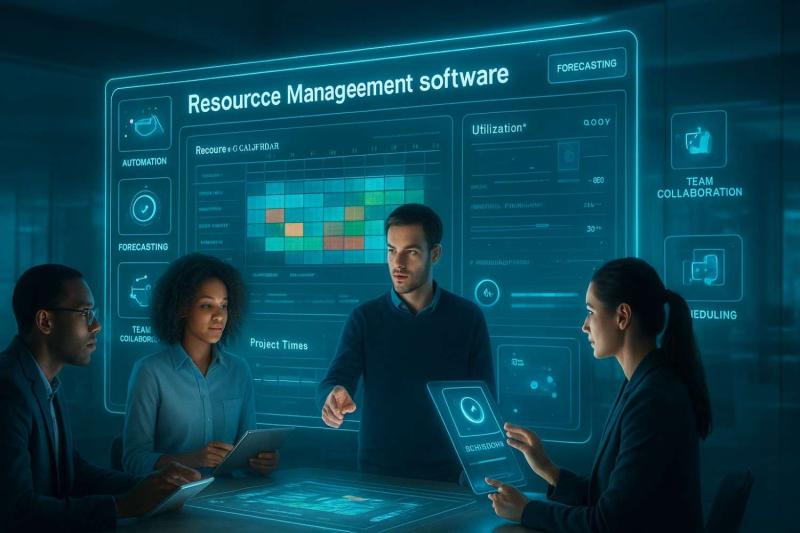
Resource management software helps teams plan and allocate people, time, and skills so projects move forward efficiently and predictably. It gives managers a clear view of availability, workload, and capacity across departments, which reduces scheduling conflicts and last-minute changes.
These tools improve visibility, support better prioritization, and help teams stay balanced and productive. Many organizations rely on resource management software such as eResource Scheduler to coordinate complex workloads, manage constraints, and keep projects aligned.
In today’s fast-moving work environment, effective resource management is essential for consistent delivery and healthier team operations.
How Do Workforce Management Tools Strengthen Teams?
Workforce management tools offer an accurate picture of who is doing what and when. When teams run multiple projects at the same time, visibility becomes essential. Without a central system, managers may struggle to see conflicts, unavailable skills, or unrealistic timelines until it’s too late.
A common question managers ask is, “How do I avoid surprises when deadlines overlap?” The answer is a dependable system that shows the whole workload landscape. With solutions like eResource Scheduler, teams can view schedules, capacity, and skill alignment in one place, reducing the guesswork that often leads to stress and rework.
An example:
A consulting team is preparing deliverables for three clients. A senior analyst is unintentionally scheduled for full-time work on two of the engagements. This is visible immediately, allowing the manager to adjust assignments before the issue affects timelines.
Why Does Resource Planning Software Matter for Task and Resource Coordination?
Many professionals ask, “What makes coordinated scheduling so difficult?” The difficulty usually comes from shifting priorities, uneven workloads, and limited insight into real availability. Resource planning software helps close these gaps by connecting tasks, skills, project phases, and team availability into one synchronized view.
Teams rarely operate in a straight line. Requirements shift, deadlines get pulled forward, and unforeseen dependencies appear. Good task and resource coordination means being able to adjust confidently without disrupting every other project.
Tools such as eResource Scheduler help organizations:
See which teams are approaching capacity
Identify skill shortages
Balance work between individuals and departments
Reduce idle time caused by unclear assignments
This kind of clarity supports smoother collaboration and more predictable project outcomes.
What Challenges Do Teams Face With Team Utilization Tracking?
Utilization is one of the hardest metrics to manage, especially in companies juggling multiple active projects. Leaders often ask questions like, “Is my team genuinely fully booked, or does it just feel that way?” or “How do I know if someone is underutilized but no one notices?”
Common problems include:
Outdated data: Availability changes fast, and manual updates rarely keep up.
Lack of shared visibility: Each team may assume others are free when they aren’t.
Work piling up in certain roles: Specialists get overloaded while generalists wait for assignments.
Emotional overload: Staff may feel stretched even if the schedule doesn’t show it.
A tool such as eResource Scheduler gives managers a realistic view of allocations, availability percentages, and workload patterns. This makes it easier to distribute work fairly, prevent burnout, and maintain predictable performance.
How Are Organizations Rethinking Resource Management in Today’s Work Environment?
Many U.S. companies have seen major shifts over the past few years. These include more flexible schedules, distributed teams, and growing expectations for transparency. These changes raise common questions such as, “How do we keep workloads balanced when teams aren’t always in the same place?” or “How do we keep track of skills when people rotate across projects more frequently?”
Increased Focus on Skill-Based Allocation
Instead of assigning work strictly by job title, companies now emphasize matching talent to task. Advanced software like eResource Scheduler makes it easier to see who fits each assignment based on experience or specialty.
More Frequent Resource Review Cycles
Weekly or biweekly planning touchpoints help managers catch workload imbalances earlier.
Growing Need for Cross-Functional Visibility
When marketing, operations, and project teams all rely on the same specialists, shared visibility becomes essential to prevent overbooking.
Fluctuating Workloads Require More Flexibility
Seasonal peaks, new client engagements, and shifting internal priorities mean organizations need adaptable scheduling rather than rigid plans.
Emphasis on Reducing Burnout
Team well-being has become a planning priority. Utilization review is not just about productivity but also about long-term sustainability.
What Practical Steps Can Teams Take to Improve Resource Management Now?
Many managers ask for simple, realistic actions that don’t require major restructuring. Here are practical steps that almost any organization can apply:
Step 1: Make Workloads Transparent
Encourage individuals and teams to maintain clear schedules so managers can see true task distribution.
Step 2: Use One Central Planning Environment
Whether a team chooses eResource Scheduler or another tool, consolidating schedules reduces confusion from competing spreadsheets.
Step 3: Align Tasks With Skills, Not Just Availability
Matching skills to assignments reduces delays and increases overall quality.
Step 4: Review Allocation Regularly
Resource needs shift quickly; regular reviews prevent small issues from becoming major blockers.
Step 5: Plan for Contingencies
Teams that build buffers into their plans handle unexpected changes more smoothly.
Frequently Asked Questions
1. How does resource management software help teams?
It centralizes schedules, making it easier to see conflicts and make adjustments. A resource management software helps reveal overloaded roles early.
2. How can tools support better task and resource coordination?
They show the relationship between workload, skills, and availability. Good resource planning software helps teams assign tasks more efficiently.
3. Why does utilization tracking matter so much for project success?
Without accurate team utilization tracking, managers may overlook workload imbalances that cause delays or burnout.
4. Can software help distributed or hybrid teams?
Yes. Centralized resource views keep everyone aligned, even when people work in different locations.
5. How does eResource Scheduler support project-based work?
It gives teams a clear picture of availability, workload, and skill distribution, which improves decision-making and prevents scheduling conflicts.
Post Your Ad Here
Comments