Transfer Music from Computer to Nexus 6
Most smartphone users often use their phone as a multimedia tool to play
games, watch movies and listen to music. With USB connection, you can
easily transfer some media files between phone and computer sometimes,
but some data are not supported via USB cable. And, if you use USB cable
to share files, it can be slow in the process of copying these media
files, especially for large videos and music files. At this time, you
need a phone data transfer software, why not have a try with MobiKin Assistant for Android.
Transfer Music Files into Nexus 6/6P from Computer.
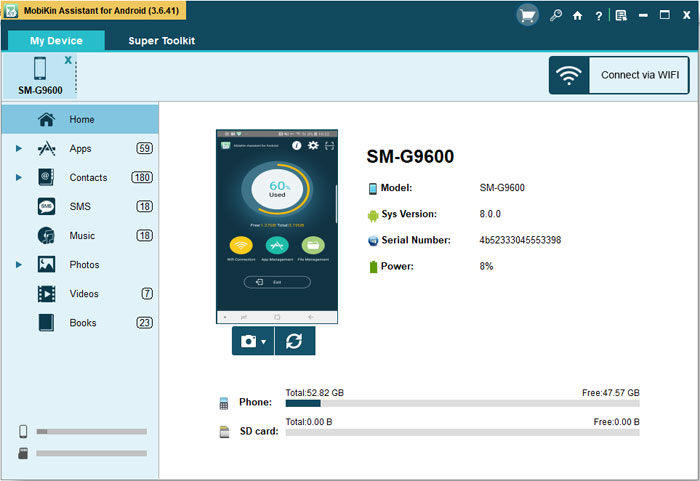
Step 1. Connect Nexus 6/6P to the computer
Open Assistant for Android on your computer. Afterwards, connect your
Google Nexus 6 smartphone to the computer with a USB cable or WiFi.
After the program detects the Google Nexus device, the device and all
its data will be displayed.
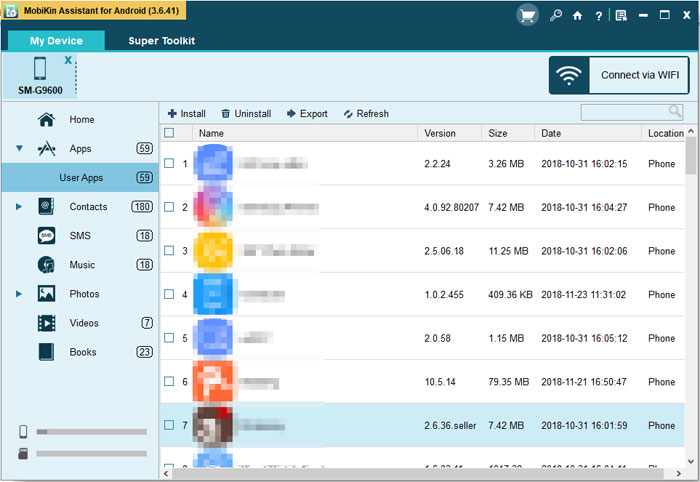
Step 2. Transfer music from computer to Nexus 6
Click "Import" button on the top menu to bring out the file browsing dialog.

Comments