How to Solve XTOOL PS2 Error “failed to download mcu.bin to the vci”
Provide solution to the xtool ps2 heavy duty trucks error ” failed to download mcu.bin to the vci”.
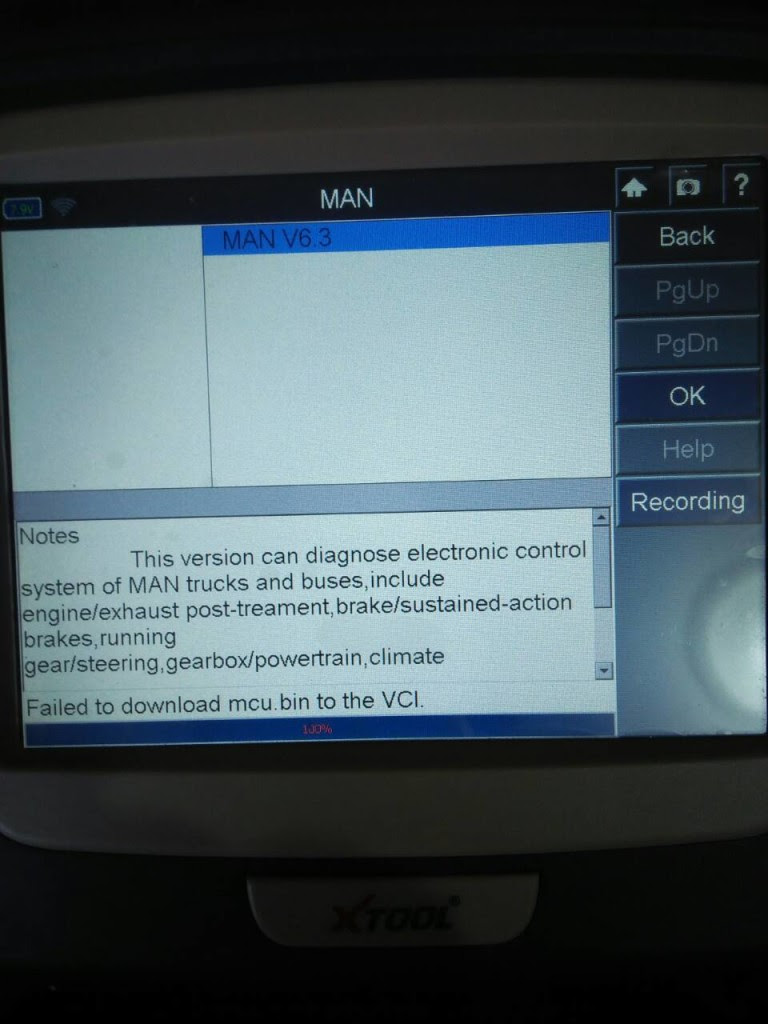
Solution:
you have wired and wireless communication
please turn off wired connection
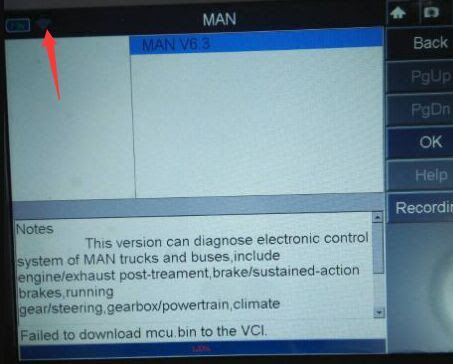
Please follow the guide on how to connect Xtool PS2.
The obd connector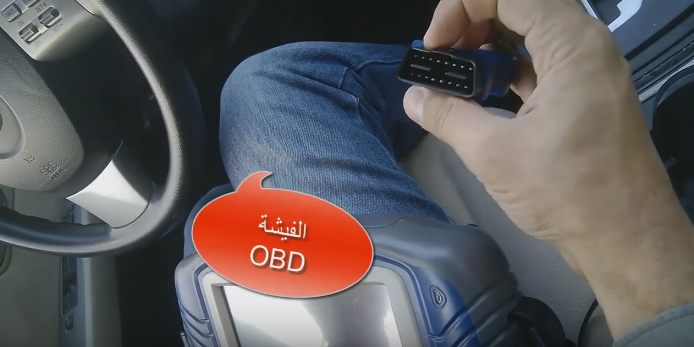
The GDS VCI reader

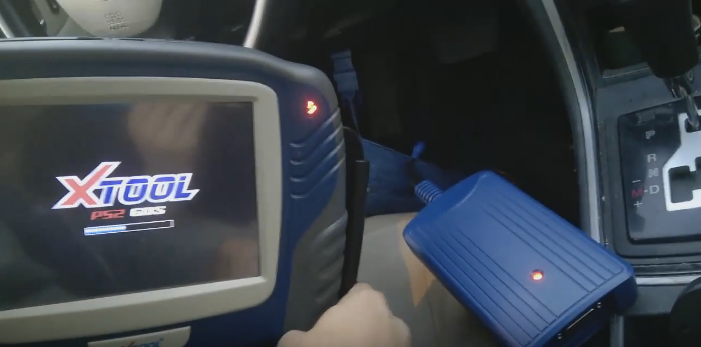
Connect the OBD connector to the VCI

fix them firmly
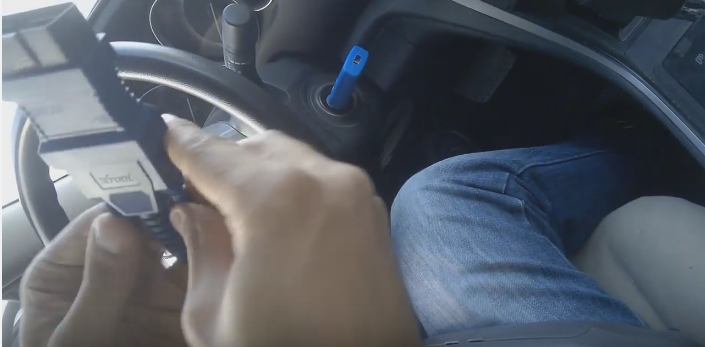
Follow the connection diagram
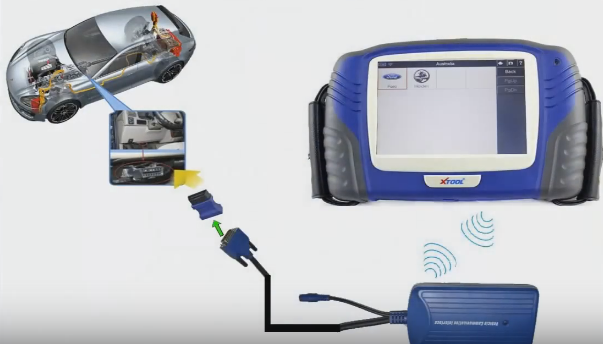
Plug the obd connector to the car.
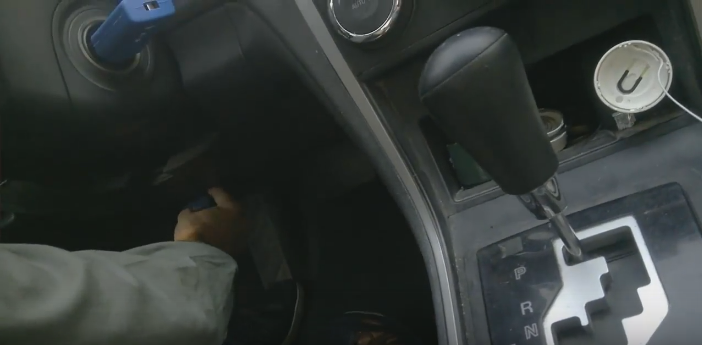
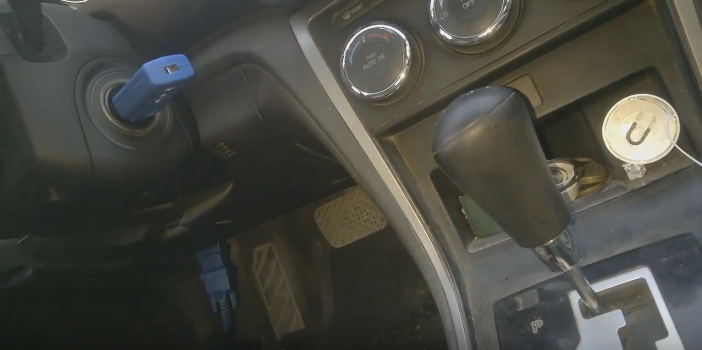
The indictor turns red.

Turn on the Xtool PS2 scanner
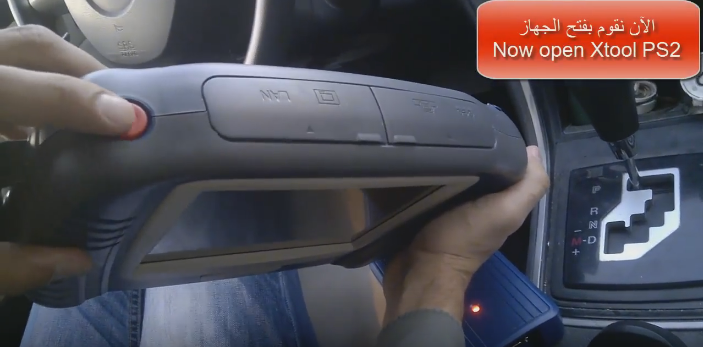
Both the scanner indicator and VCI indicator turn green, which means they are working normally.

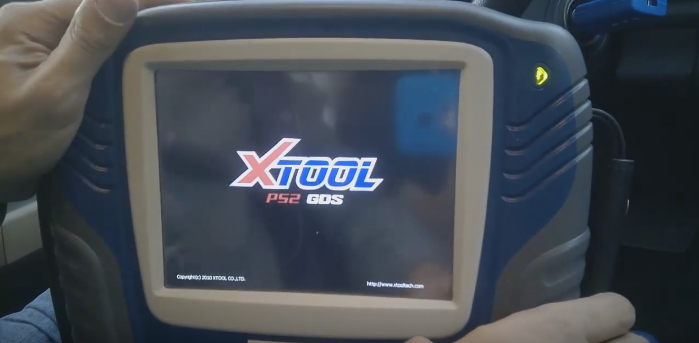
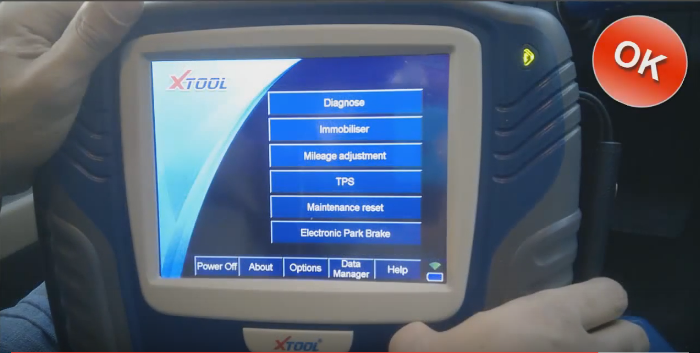
Finally, the function menu display, you are ready to perform: Diagnose, immobilizer, mileage adjustment, TPS, maintenance reset, electronic park brake and more incl. ansmission, Steering angle, Tire pressure loss alarm (activated) and other common special functions.
www.xtooleshop.com
Article from:http://xtool-tool.over-blog.com/2018/11/how-to-solve-xtool-ps2-error-failed-to-download-mcu.bin-to-the-vci.html
Solution:
you have wired and wireless communication
please turn off wired connection
Please follow the guide on how to connect Xtool PS2.
The obd connector
The GDS VCI reader
Connect the OBD connector to the VCI
fix them firmly
Follow the connection diagram
Plug the obd connector to the car.
The indictor turns red.
Turn on the Xtool PS2 scanner
Both the scanner indicator and VCI indicator turn green, which means they are working normally.
Finally, the function menu display, you are ready to perform: Diagnose, immobilizer, mileage adjustment, TPS, maintenance reset, electronic park brake and more incl. ansmission, Steering angle, Tire pressure loss alarm (activated) and other common special functions.
www.xtooleshop.com
Article from:http://xtool-tool.over-blog.com/2018/11/how-to-solve-xtool-ps2-error-failed-to-download-mcu.bin-to-the-vci.html
Advertise on APSense
This advertising space is available.
Post Your Ad Here
Post Your Ad Here
Comments