How to Register Handy Baby II Key Programmer?
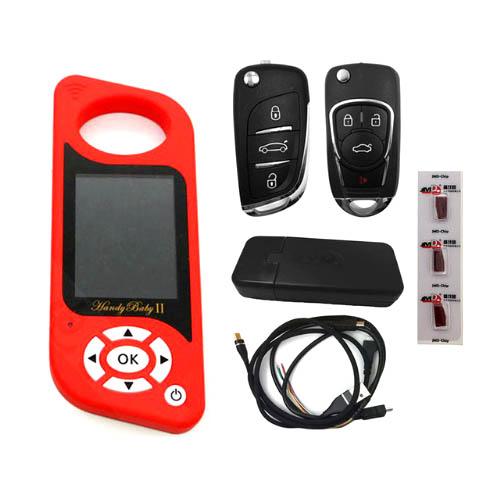 Handy Baby II Key Copy Programmer is the new lunched item from nandrepair. you have to Register and activate the authorization before use. How to Register Handy Baby II Key Programmer? please check the user manuals as follows:
 Download and install JMD Client from official website on laptop
JMD Client download link:
oss.handy-baby.net/web/downloadfile/JMDClient(4530).exe


Power on key copier
Go to Setup menu->Version

New device is not yet registered

Connect Handy baby II key programmer with laptop via USB cable
Open JMD Handy baby Client V4.3.0 software
Select More-> Registered Account

There are 2 options to register the account, by Email or by mobile phone number.
Manually enter phone number, user name and password, press Obtain button to get a vertification code on mobile phone (mailbox)
Enter registration code and Submit
Registration success.

Now login JMD with user phone number/email and password
Press Register Tab
Follow prompts to connect handy baby ii key copier with PC, turn on mobile phone, don’t disconnect device during the procudre
Then you can activate G or 48 authorization
Select authorize G and start registering
Register success
Select authorize 48 and start registering
48 function has been activated. To use 48 chip copy function, you need extra JMD Assistant adapter to work with.
Go back and check device information. The Handy baby 2 is registered and ready to use.
2 people like it



Comments