How to Backup SMS from Samsung Galaxy S7 to Computer?
For many smartphone users, one of the reasons for transferring text messages to computer is for future records in case of they clear their inbox or outbox. Now i'll guide you how to transfer text messages from Galaxy S7 to computer in an easy way.
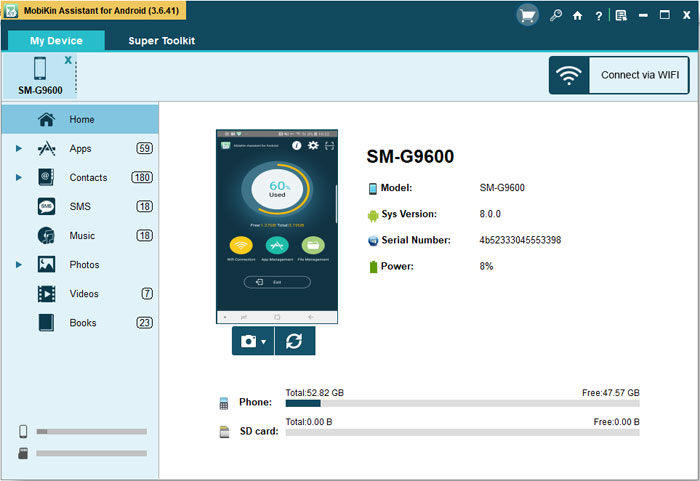
Step 1: Connect Android Phone to pc
The first thing you need to do is to download and install the MobiKin Android File Transfer
tool on your pc and launch it. The next is connect your Android phone
to pc via usb cable. Your device will appear on the screen. The manager
would recognise your android device automatically.
Notice: If
this is the first time you connect android phone to the problem on
computer, you should enable USB debugging first, and install a USB
driver on your computer, then the app would detect your android phone
automatically.
Step 2. Scan Galaxy S7 for target messages
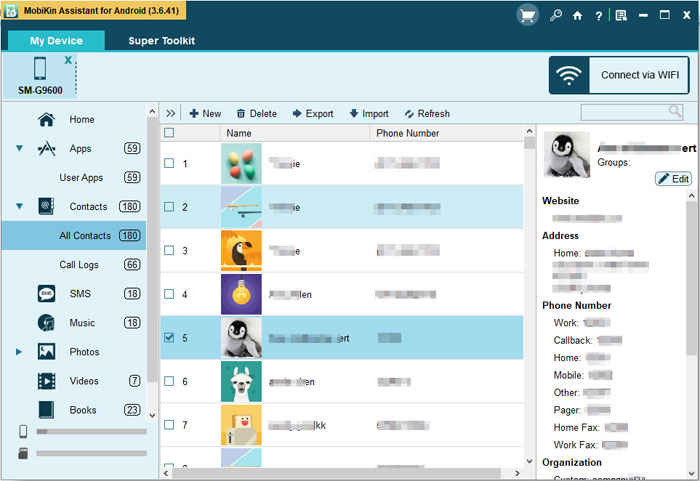
click the "SMS" category and Assistant for Android starts to scan all text messages in your Samsung Galaxy S7.
Step 3. Backup SMS from S7 to computer
Preview the scanned out text messages from the right side window and tick off those you want to backup.
Post Your Ad Here
Comments