How to Backup Android Phone SMS As HTML?
Do you often save a lot of sms on your phone ? Would you backup them
regularly? If you often backup the sms or text messages from your
smartphone, which way would be your choice? If you have a Google
account, of course you can backup the sms when you sign into your
account. And with data backup tools, you can also backup the data,
Titanium backup or Helium backup are often the choices. But, here I
would use this tool to keep my sms in pc, what's more, I can even save
them as HTML file. Follow me if you are interested in, let's check out
the usage of Mobikin Assistant for Android.
Here is the step.
Here is the step.
How to Backup Android SMS As HTML?
Step 1. Connect your phone to the computer
Install the Launch the program to detect the device.

Step 2. Go to the SMS managing window
Pick and choose the messages that they want to export.
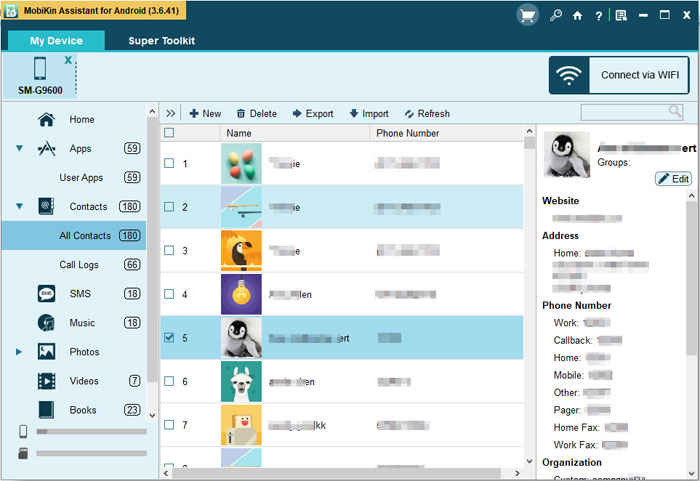
Step 3. Backup Android SMS as HTML
Give a click on Export button.
Advertise on APSense
This advertising space is available.
Post Your Ad Here
Post Your Ad Here
Comments