How to Safely Transition PDP URLs at Scale: A Practical SEO Migration Framework
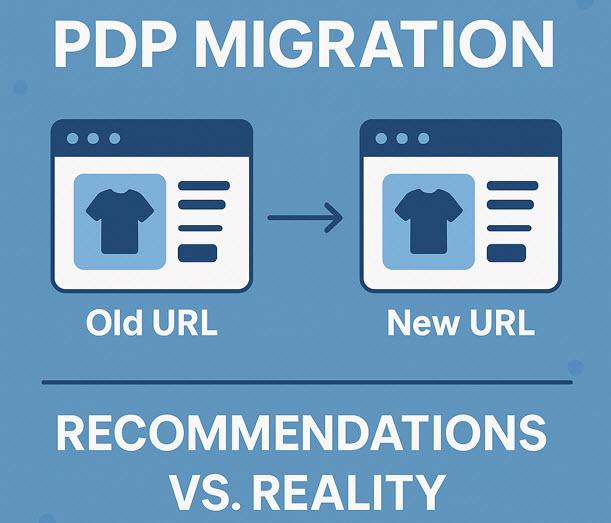
If your product-detail pages use evolving SKUs, changing product codes, or
new PDP templates, your site will eventually undergo a large-scale URL
transition.
These are high-risk migrations. SKU-based PDPs
break easily, regress often, and require a more advanced framework than
traditional URL changes.
Below is the exact tactical workflow we’ve tested during a real-world transition involving thousands of PDP URLs.
1. Build a Complete OLD → NEW Mapping Document
Include for each SKU:
·
Old URL
·
Old SKU code
·
New URL
·
New SKU code
·
Availability status
·
Redirect target
·
Notes for discontinued items
·
Backlink presence
·
Organic traffic data
·
Response codes pre-migration
Your mapping document is your single source of
truth.
2. Phase 1: Solve High-Value SKUs First
These include URLs with:
·
external backlinks
·
strong organic traffic
·
brand searches
·
media mentions
·
social shares
·
interior-design references
Redirect these BEFORE touching lower-value
SKUs.
3. Phase 2: Expand Redirect Coverage to “Untapped SKUs”
Untapped SKUs are legacy URLs that:
·
receive traffic
·
return a 404
·
but DO have equivalent new SKUs
For these, find a SKU match and implement 301s
to preserve authority.
4. Phase 3: Ensure SKU Numbers Are Included in the Server-Level 301
Avoid this:
SKU injected via JavaScript AFTER load
Use this instead:
Complete URL → complete URL, including SKU, via pure server-side redirect.
This eliminates:
·
duplicate signals
·
JS dependency
·
crawler inconsistencies
·
mismatched canonicalization
5. Phase 4: Replace 302s with 301s
A typical issue in SKU migrations is
inconsistent redirect types.
Fix:
Search for all PDP redirect rules returning 302 and convert them to 301.
6. Phase 5: Rebuild Product XML Sitemaps
Your sitemap must include:
✔
Only valid 200 OK PDP URLs
✘ Exclude:
·
301/302 URLs
·
404s
·
legacy SKUs
·
PDPs without SKUs
·
server-error pages
·
timeouts
Large sites often unintentionally reintroduce
legacy URLs in sitemaps — monitor this closely.
7. Phase 6: Run Weekly Redirect QA
You must check for regressions because they
WILL happen.
Recommended auditing frequency:
·
Weekly during migration
·
Bi-weekly
post-migration
·
Monthly
ongoing
Tools that help:
·
Screaming Frog
·
Sitebulb
·
Server log files
·
Automated redirect consistency scripts
8. Phase 7: Validate Google’s External Links Report
This reveals whether redirects were fully consolidated.

Look for:
·
missing PDP URLs
·
new SKUs not replacing old ones
·
backlink gap percentage
·
URL patterns Google excluded
If half the URLs are missing → redirects are
not implemented correctly.
9. Phase 8: Final QA Across All Systems
SKU migrations often involve:
·
multiple teams
·
multiple environments
·
manual patches
·
inherited rules
·
competing redirect logic
Final QA ensures no rules conflict or
overwrite others.
What lessons have we learned?
PDP migrations succeed only when handled in
structured phases. Redirects break easily. SKU logic introduces fragility. And
regressions are inevitable unless redirect governance is taken seriously.
This framework helps SEO teams reduce risk,
maintain rankings, and ensure that both users and search engines reach the
updated PDPs smoothly.

Post Your Ad Here
Comments