Retail POS Software With Essential Billing Features For Stores
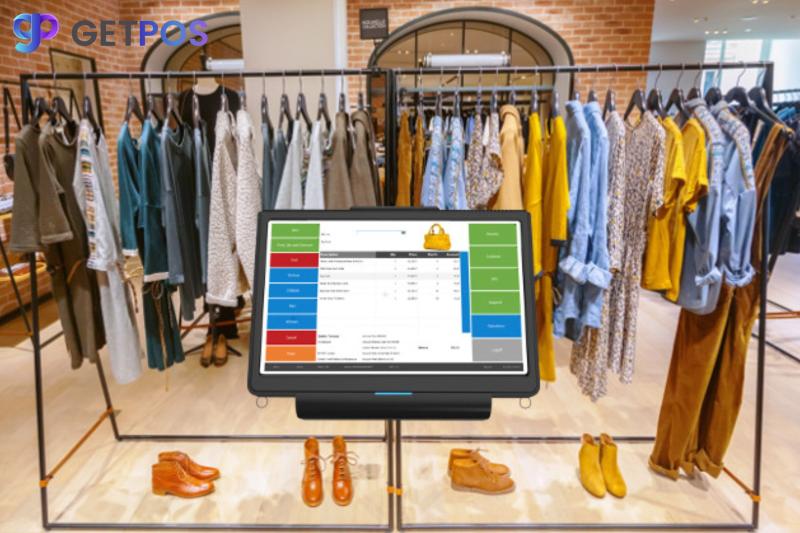
Quick Summary
Upgrading your Retail POS system isn’t just about faster billing—it’s about smarter business. This post explores the key features of modern Retail POS software, and why the right choice can unlock greater efficiency, boost sales, and align your store with the future of retail.
Introduction
Running a successful retail store isn’t just about having great products—it’s about delivering seamless, efficient service at every touchpoint. For many store owners, outdated billing systems are slowing growth, frustrating staff, and turning customers away. One independent clothing retailer in Atlanta saw a 28% increase in customer retention after switching to a modern Retail POS system with smarter billing and inventory features. This post breaks down how today’s Retail POS software can streamline operations, enhance customer experience, and keep your store competitive as technology continues to reshape the future of retail.
What Makes a Retail POS System Truly Essential?
Modern Retail POS software has evolved far beyond the cash register. It’s now the central nervous system of successful stores, helping retailers manage sales, stock, staff, and customers in one place.
1. Smarter Billing That Works For You
Today’s consumers expect fast, error-free checkout. The right Retail POS software simplifies billing, tax calculation, receipts, and payment processing.
Essential Billing Features:
-
Split payments and multiple tender options
-
Automatic tax and discount application
-
Digital and print receipts with custom branding
-
Loyalty point tracking
-
Real-time updates to stock post-transaction
This is especially vital in niche sectors like fashion, where the POS system for clothing store needs to handle size, color variants, and seasonal discounts with ease.
2. Real-Time Inventory and Sales Sync
A powerful Retail POS ensures that every sale updates your inventory instantly, reducing stockouts and overstocking.
Quick Wins with Smart Retail POS:
-
✅ Auto-adjust inventory after every sale
-
✅ Send low-stock alerts and reorder suggestions
-
✅ Track product variants (e.g., color, size, batch)
-
✅ Integrate with online stores
-
✅ Use barcodes or QR codes for faster management
The best POS for retail clothing must do all of the above seamlessly, giving business owners control and clarity.
3. Customer Insights and Reporting
Using Retail POS data, retailers can understand customer behavior and boost retention. Tools like customer segmentation, purchase history, and trend analysis empower better marketing and inventory decisions.
Common analytics in modern systems:
-
Customer lifetime value
-
Fast- and slow-moving products
-
Peak business hours
-
Repeat purchase rates
Pair your Retail POS with CRM tools or use built-in insights offered by the best store management software for retail business.
POS System Trends Shaping the Future of Retail
With AI, cloud computing, and mobile-first strategies redefining the future of retail, your Retail POS should keep up.
Top trends to watch:
-
AI-powered demand forecasting
-
Mobile and tablet-based billing
-
Omnichannel inventory syncing
-
Voice-assisted product lookup
-
Subscription and recurring billing features
Retailers who align with these POS system trends future of retail are already outpacing the competition. Platforms like Shopify POS, Vend, and Lightspeed are leading the way in offering these futuristic tools today.
Clothing Store Case Study: POS in Action
Imagine managing 100+ SKUs across sizes and styles. A traditional cash register can't handle it. But a POS system for clothing store that allows matrix inventory management, item grouping, and season tagging will change the game.
This is why more fashion retailers are searching for the best POS system for your specific retail store—customized functionality that fits their day-to-day operations.
How to Choose The Best POS Systems for Retail Business
You need a Retail POS that aligns with your store size, goals, and industry.
5 Steps to the Right POS:
-
List Your Store’s Priorities – Billing, inventory, CRM, or integrations?
-
Check Customization Options – Can it be tailored to your workflow?
-
Consider Cloud vs. On-Premise – Cloud is scalable and mobile-friendly.
-
Evaluate Support and Training – Will your team get proper onboarding?
-
Read Industry Reviews – Look for solutions recommended by others in your niche.
Whether you're aiming to upgrade or expand, the best POS systems for retailers in 2025 offer scalability, real-time data, and full business visibility.
Maximizing Your Investment with the Best Store Management Software
Beyond billing, the best Retail POS systems also serve as store management hubs.
Key capabilities include:
-
Employee time tracking
-
Vendor and purchase order management
-
Multi-store support
-
Expense tracking
-
Built-in promotions engine
Retailers using the best store management software for retail business can reduce manual admin time. reeing up bandwidth to focus on growth.
Conclusion
Choosing the right Retail POS software isn’t just about billing—it’s about equipping your store for growth, efficiency, and future trends. From customer insights to smart inventory, modern POS systems drive results.
Ready to explore your options? Download our free POS Buyer’s Guide for 2025, or book a demo to see how today’s Retail POS solutions can transform your store’s performance.

Post Your Ad Here
Comments