Performing SQL Server Database Recovery In Page Level Corruption
This post will make a
number of things clear for the end user stuck with page level corruption. Both
manual as well as commercial SQL Server database recovery are suggested in the
following post offering desirable solutions according to respective user
requirements.
The limitations are what
stop a user from performing a successful and complete page restores. As
discussed above, the page restore is conditional and entirely depends on the
level at which it has occurred and with what sort of database. Following are
some of the restrictions put upon users wanting to perform a page restore:
- Database
with any of the two recovery models bulk logged/full must be processed
with page restore. Page restore is only supported by read/write
file groups.
- This
kind of restore is applicable on database pages and following are some of
the exceptions:
- Transact
log database
- Page
1:9 of a database that refers to its boot page
- Page
0 of any database for it denotes the boot page of the entire file
- Full-text
- Plus,
the allocation pages
There is a high
possibility that a page restore may fail to work with a bulk-logged database.
In those conditions, one can go for DBCC with the syntax
REPAIR_ALLOW_DATA_LOSS. However, it involves great risk of losing data in the
process. Therefore, the right suggestion would be to use a commercial utility
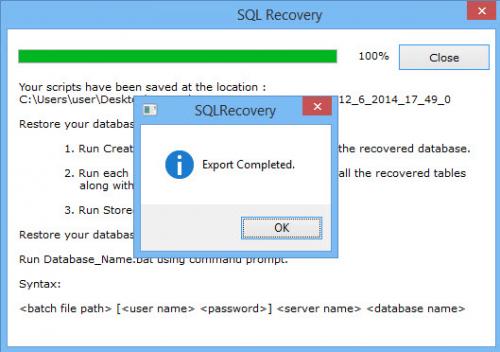
for the same like SQL Server database recovery tool - SQL Recovery. It is meant
to recover Primary as well as Secondary database from any/all kinds of concerns
with data retention and security.


Comments