How to Purchase iFax number from Windows App?
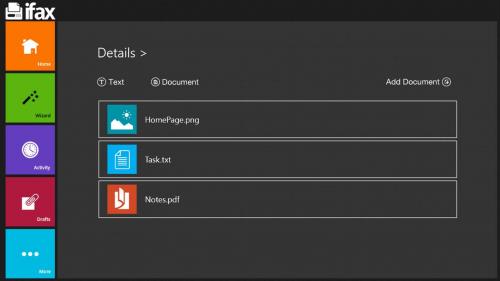 Follow below steps to purchase fax number.
1. Open app
2. From main menu select Get incoming ifax number
3. Click on add incoming ifax number
4. Select country, Area code, select number
5. Follow the payment steps.
Then you will get your desire (for selected country and area code) fax number.
Free Faxing App Download Here : http://www.ifaxapp.com/news
-- > Windows Phone App : https://goo.gl/dzciem
-- > Android App : https://goo.gl/KIjtgN
#faxingkaro #Purchase #iFax #number buynewnumber #buyfax #buycredit #purchasefax #onlinefax #faxhelp #newfax #fax #freenumber #freenumbertrial
Advertise on APSense
This advertising space is available.
Post Your Ad Here
Post Your Ad Here
Comments