How to Play FLAC on Your iPhone
This article will let you know more about FLAC, and help you solve the problem of how to play FlAC on you iPhone 4 / iPhone 4s / iPhone 5 / and other Apple devices
Before we guide you to figure out how to play FLAC on iPhone, iPhone 4s and iPhone 5, it is necessary for you to understand what FLAC is first.
FLAC Codec
FLAC stands for Free Lossless Audio Codec, which is a free codec allowing digital audio to be compressed without any loss in quality. Undoubtedly, it is the best choice for music lovers to get much better compression, preserving the integrity and fidelity of their music files., but FLAC files are always come with larger size (about 700MB/80-minute CD) than other audio formats.
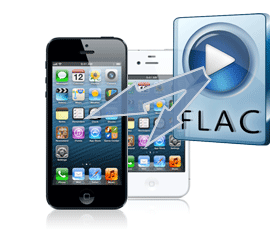
Can iPhone Support Playing FLAC Files?
With its large phone memory, iPhone has a good performance as a music player. iPhone 16 GB storage can hold common music resources that you need (hold up to 5,000 music files). What's more, it also has long music playback time, which can be up to 59.02 hours.
However, FLAC Format Can Not Play on all of Apple Devices
Neither iPhone nor any iDevice natively supports FLAC files. How to solve this problem for iPhone users who have their audio collection in FLAC format? The easiest way is to take advantage of certain apps that can let you listen to FLAC on iPhone. But the large file size of FLAC could still hold you back to enjoy a good deal of music resources you have. So here you need to use a transcoding tool – FLAC to iPhone Converter to convert FLAC into a playable format such as MP3 or AAC.
AAC and MP3 are both 'lossy' format files. However they can get great quality without taking too much space and human ears cannot hear the difference between lossy and lossless files on the go with portable device like iPhone 4, iPhone 5, etc.
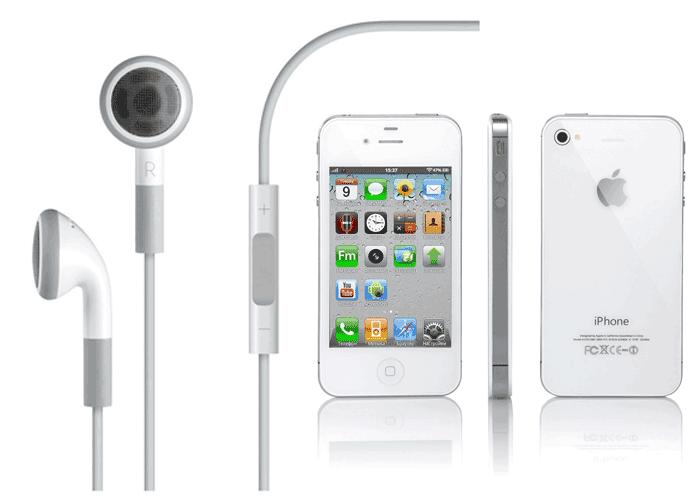
It could be a great pity that iPhone cannot support playing FLAC for some limitations. You’d better enjoy FLAC effect with your better headphones at home to maximize the goods of FLAC. If you have too many music resources in FLAC forma1t and really want to convert those to acceptable formats for playback on iPhone, it is time for you to find a good FLAC to iPhone converter, which enables you to play FLAC on iPhone 4, iPhone 4s, iPhone 5.
Have no ideas how to choose the right converter for your iPhone? Don't worry about that. In this article, click here to learn more about how to choose a good video converter for your iDevice and it will guide you to convert FLAC to iPhone 4, iPhone 4s, and iPhone 5 with simple steps.

Comments