How To Keep Your Application Design Simple And Impressive
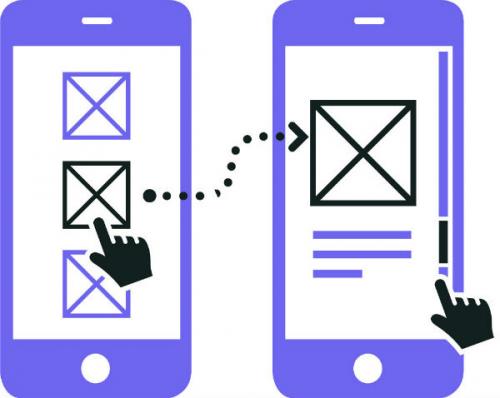
The mobile app development has become a burgeoning industry, which has incessantly made the development process more complicated. However, simplicity is what that aids the functions and features of an application. This often creates problems in establishing a balance between the powerful features of an app and its simple interface.
In order to ensure an interactive and appealing design, without compromising on the top notch functionalities, it is advisable to involve professionals for the job. You can outsource your project to a prolific iOS or Android app development company, whichever best suits your needs. Since, they possess expertise in the field, they can handle the development process with utmost precision.
However, if you are interested in doing it on your own, it would be better to steer clear of the common mistakes and adhere to the design guidelines. To help you ensure a worthwhile application with a simple yet effective design and ultimate features, here I have listed some useful tips for your consideration.
The UI design is not only constrained by the screen sizes, there are several other factors, like your users and their behavior, which also impact the usability of an application. Thus, it is vital to understand your potential users. This can be done in various ways, let's explore some ways to understand the users.
Expected users behavior – You can consider an expected user behavior to find out what can drive conversion rate and enhance the retention rate.
Experience map – By keeping the experience map in mind, you can explore various conditions that can drive interaction.
Analyzing your users before beginning the development and designing process can save efforts and headaches down the road.
2. Don't forget the familiar mobile pattern
There are several devices-specific aspects around which the mobile app design revolves. It includes orientation, thumb placement and posture. It is helpful to study the common design patterns and integrate them in your app to facilitate convenient user interactions. There are basically two categories that must be mastered to deliver a good design, it includes gestures and animations.
Gestures – It is the way through which user interacts with the app. It could be swipe, pinch, tap, double-tap, zoom, and so forth.
Animations – Motion helps keep users engaged with the UI, while making the content more powerful. When animations are integrated with gestures they take UX a notch higher.
3. Don't ditch Shadows and Gradients completely
Although flat designs are in trend, and shadows and gradients are not preferred the way they used to be earlier, it will be wise to cleverly include them in your design. The Google Material design has shown the best way to include these two patterns in design, while ensuring a flat visual appearance. Shadows can facilitate users to interpret the interface in an effective and efficient fashion. Especially, when visual cues like buttons, toggles, etc., are considered, including shadows can help do wonders.
4. Sketch the content and user flow
You can design sketch to better understand how users flow between content and actions. For this, you can create simple prototypes on a piece of paper on the basis of your understanding. The writing-first approach offers a great way to come up with an application idea and develop a common understanding of various pages of an application. This will certainly help you create sketches and prototypes more proficiently, and you an explore the content, which form a crucial part of the app.
Conclusion
The mobile applications have only a few seconds to impress the viewers and encourage them to perform a suitable action. Since, your app design is the first thing with which users interact, it is vital to ensure that your UI design is visually appealing and simple enough to help users access the interface conveniently.
Post Your Ad Here
Comments