Top 10 Guide to Creating Attractive YouTube Thumbnail Design Ideas
We’ve already covered how to start a YouTube channel and make money. Now, let’s talk about one of the most crucial aspects of growing your channel—Attractive YouTube Thumbnail Design Ideas. A compelling thumbnail can make or break your video’s success, influencing whether viewers click to watch or scroll past.
In this guide, we’ll explore what makes a great YouTube thumbnail, essential design tips, and top YouTube thumbnail designers who can help take your visuals to the next level.
What is a YouTube Thumbnail?
A YouTube thumbnail is the first image a viewer sees before clicking on a video. It serves as a preview of your content and plays a vital role in attracting potential viewers. While YouTube allows creators to select a random frame from their video, a custom-designed thumbnail is always a better option to increase engagement and click-through rates.
The Main Goal of a Thumbnail
The ultimate goal of a YouTube thumbnail is to maximize clicks and keep viewers engaged with your content. A well-designed thumbnail should:
- Accurately represent the video’s content.
- Spark curiosity and excitement.
- Stand out from competing videos.
- Utilize effective colors, fonts, and layouts.
- Follow YouTube’s recommended thumbnail size and format.
Now, let’s break down the best practices for designing an engaging YouTube thumbnail.
How to Design the Best YouTube Thumbnails
1. Add Title Text for Clarity
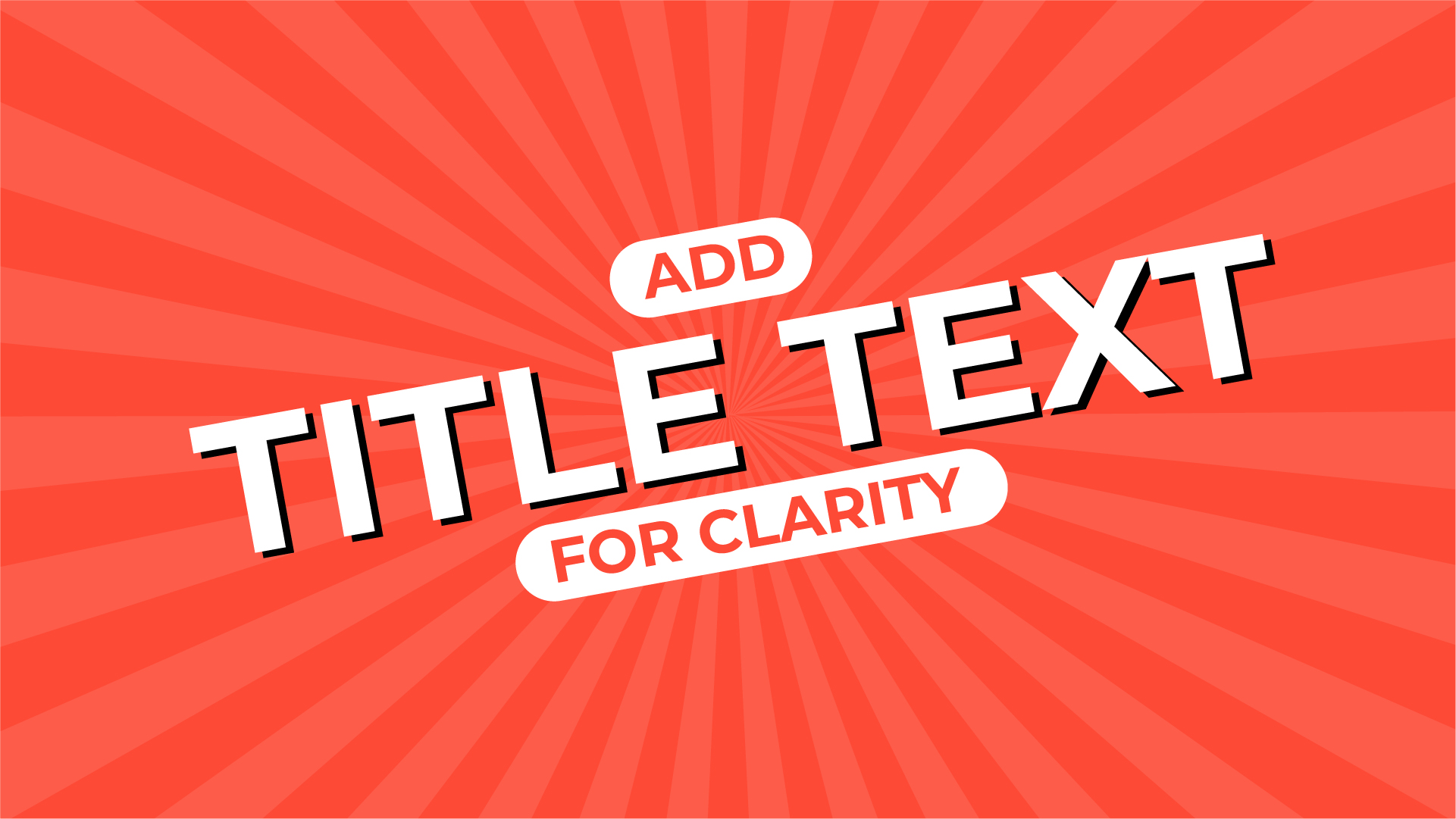
A strong title text helps deliver context at a glance. While an image is powerful, it may not always convey the complete message. Use short, bold, and engaging text that summarizes your video’s core idea.
Tips:
- Keep text under five words.
- Use contrasting colors to make text stand out.
- Maintain a consistent font style for branding.
2. Choose the Right Font Style
Your font choice can significantly impact the readability and branding of your thumbnail. Opt for bold, clean, and modern fonts that align with your brand’s theme.
Best Practices:
- Use Sans-serif fonts for readability.
- Avoid overly decorative or script fonts.
- Keep font size large enough to be readable on mobile screens.
3. Use High-Contrast Colors & Bright Backgrounds

A good contrast between text and background ensures that your thumbnail is easily visible. Bright and vibrant backgrounds tend to perform better than dull colors.
Effective Color Combinations:
- Yellow & Black (high contrast, attention-grabbing)
- Red & White (bold and clean look)
- Blue & Orange (complementary colors)
4. Include a High-Quality, Relevant Image

Your thumbnail image should represent your video content accurately while being visually appealing. You can use a frame from your video or a high-quality stock image.
Best Practices:
- Use a sharp, high-resolution image.
- Choose an image that matches your video’s theme.
- Avoid cluttered images that confuse the viewer.
5. Feature a Face with Eye Contact

Adding a human face in your thumbnail increases emotional connection and engagement. Faces that show emotion (e.g., excitement, surprise, curiosity) tend to get more clicks.
Why it Works:
- Eye contact builds trust.
- Facial expressions trigger curiosity.
- People relate to emotions and are more likely to click.
Post Your Ad Here
Comments