6 Major problems with iPhone 6 and their possible Solutions – Part 2
In the continuation of the first
write-up to resolve the common iPhone 6 issues, here you have some more issues
and their viable solutions. The first one in our next series is the annoying
camera issues.
So, without wasting, let’s see what can be done to help this major issue:
Camera Not Working
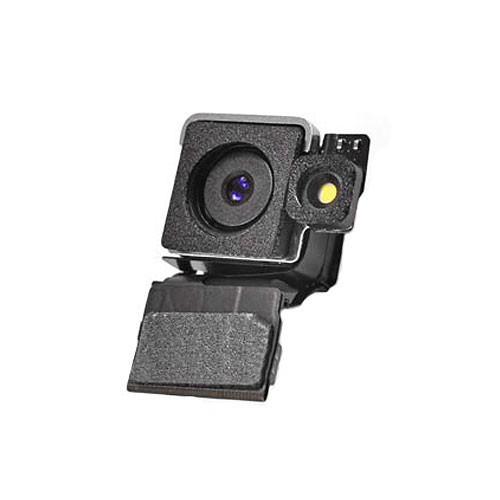
There has been numerous little issue related to the iPhone 6s Camera. First, it is about the purple tinges and chromatic aberration. Secondly, some folks complained about getting a blank screen at the start of the app. Moreover, it was about the wrong orientation. Though the first one is a software related issue,it was even found in iPhone 5S having iOS 8. So, here are some potential solutions, you must try before going for iPhone 6 Camera repairs:
·
Go to Setting – General – Reset – Reset All
Settings. (This one will be your first move and it might solve your issue)
· If the first doesn’t work, you might need to go for a Factory reset. Always remember, never ever go for an old phone back.
· Unfortunately, if none of the above tips work, you will have to visit a nearby iPhone 6 Camera repair service provider.
Some of the people out there have an issue with the keyboard when used in landscape view. The letters are superimposed on each other troubling in the normal usage. Reports also say that there are issues with keys also.
· For a temporary stuff – just restart the phone.
· One other way is to go to Settings – General - Accessibility and turn Button Shapes. It might help you.
· A third way to resolve this issue is – Settings – General – Accessibility and turn Zoom.
Random Crashing and Bootloop
Is your iPhone crashing again and again? Or you too are stuck in the boot loop? No worries, it can be fixed and that too very easily. Usually, this problem occurs while launching an app. Sometimes, it can be fixed with just the factory settings and there are times where just updating the app will accomplish the purpose.
However, if none of it works, you will really have to an iPhone 6 repair center. Let’s hope that this guide will work in your favor without troubling much.

Post Your Ad Here
Comments