online upgrade guide of IKEYCUTTER CONDOR XC-007 key cutting machine
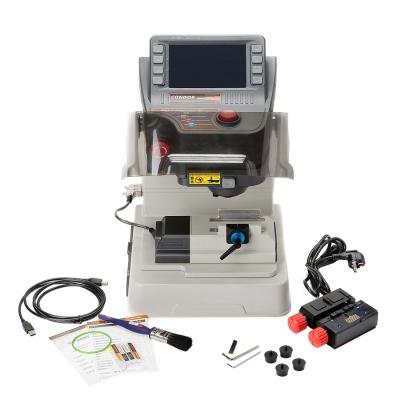 do you know how to operate and update IKEYCUTTER CONDOR XC-007 key cutting machine, our enginner help you to update Ikeycutter condor XC-007 machine,
 Unzip “Condor Online Update Tool”, you can see: Online Update Tool.exe, user manual, ft232 usb driver, update video and a supported car list.
Explanation for car list:
Condor mainly works with cars, not civil locks, since the civil locks material is hard and easy to wear condor blades.
Install driver before update CONDOR XC-007 from vipprogrammer.com
There are 2 driver to install
Firstly, install USB driver
Step 1: Connect the tool to the computer, found new hardware.
Step 2: Decompress “ft232 usb driver”, drive will install automatically.
Step 3: Select the specified directory: Include this location in the search.
Step 4: The wizard will automatically finish installing USB serial Converter.

Secondly, install USB Serial port
The wizard will automatically install USB Serial port

Update Condor
Click “Update Online” to update.
Note:
1)If your network connection is not fast enough or fail to update, click “^” to update.
2)DO NOT disconnect the device during the process of updating. If not, the device will fail to use.
It will take you about 90 minutes to online update CONDOR XC-007 because update needs to connect with our server, please wait patiently.

Post Your Ad Here
Comments