iPhoneSE creates a new hidden feature that allows you to sleep
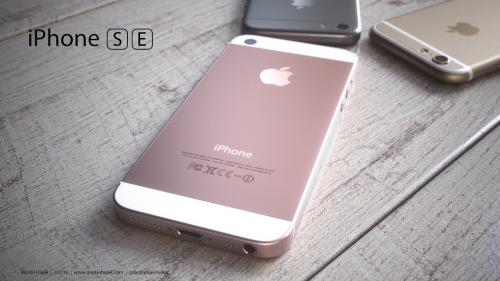
Anyone who has been following technology news as of late
would know that the company recently revealed the iPhone SE, what the company
claims is the world’s best 4-inch smartphone. And for anyone who understands
how technology works, a hardware upgrade is not without a software update.
Well, according to the new software update, there are new features… and we mean
new hidden features. While the SE is exciting enough for people to make the
switch (using one of those handy content transfer apps), these hidden gems
could very likely convert anyone who’s having second thoughts. These features
include a hidden basketball game on messenger and a really cool feature that allows
users to go to sleep easily.
According market experts like SmartIO and more.The new feature allows users to configure the device to automatically
change the color temperature of the display. This essentially reduces the
strain on one’s eyes when using the device in dim-lit environments. Following
are the steps you can follow to automate the feature.
1.
Turn night shift on:
To do this, swipe up on the
home screen and tap the moon icon. You can also do this by going to the device
settings and selecting the brightness and contrast, along with night shift.
3.
Now go
back to the night shift option and turn on “Scheduled”. After that, turn on the
times that appear underneath. Now tap on the Sunset to Sunrise in the schedule
box.
Enjoy the nifty new feature on your iPhone SE and let us
know any new hidden feature that you may have accidentally bumped into.

Post Your Ad Here
Comments