Installation video of Mongoose MVCI TIS Techstream V10.30 from obddiagnosticcenter
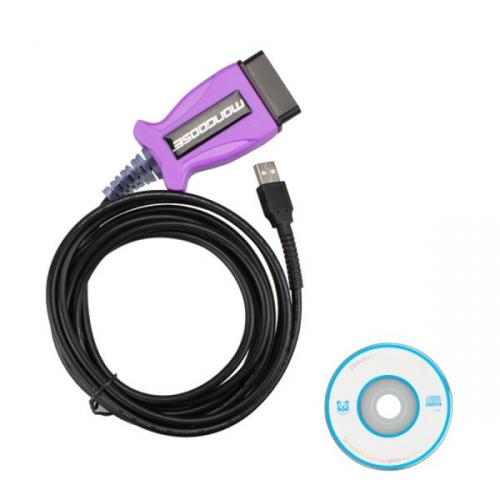 Toyota Mongoose MVCI TIS Techstream V10.30 cable replace mini mongoose vci for toyota cable, support for DLC3 (OBDII) from 1996 to present vehicles. How to installation and use this V10.30 Mongoose Toyota MVCI Techstream Cable? Below I will sharing it installation video and steps to you.
V10.30 Toyota Mongoose MVCI TIS Techstream installation video:
https://youtu.be/H6s6m3WCw3E

Steps of V10.30 Mongoose MVCI TIS Techstream cable install
1) Install TOYOTA TIS Techstream V10.30.029
2) Install MCVI driver
3) Copy “Mainmenu” application, right click the gray icon “Techstream”, click “Properties” – “Find Target”, then paste the “Mainmenu” application to replace the existing file.
4) Connect the device to the vehicle and then install driver!
5) Open the icon “Techstream” on the desktop, you should select area “Europe”, otherwise you will get error message: Unable to Connect to VIM
Operation: Setup – Techstream Configuration – Area selection – Europe – Next
6) Register (I said the procedure on the above part)
7) Initialize to the vehicle and prepare to diagnose Toyota vehicles with toyota tis techstream V10.30.029.
Detail of this mongoose MVCI TIS Techstream cable, please visit www.obddiagnosticcenter.com
Advertise on APSense
This advertising space is available.
Post Your Ad Here
Post Your Ad Here
Comments