How to use XPROG-M to Read Freescale MC68HC908GR16(0M76Z)?
Here maketrust2016 share the procedures to read Freescale MC68HC908GR16(0M76Z) by XPROG-M.
Preparations:
XPROG-M V5.84 Programmer Interface4
Procedures:
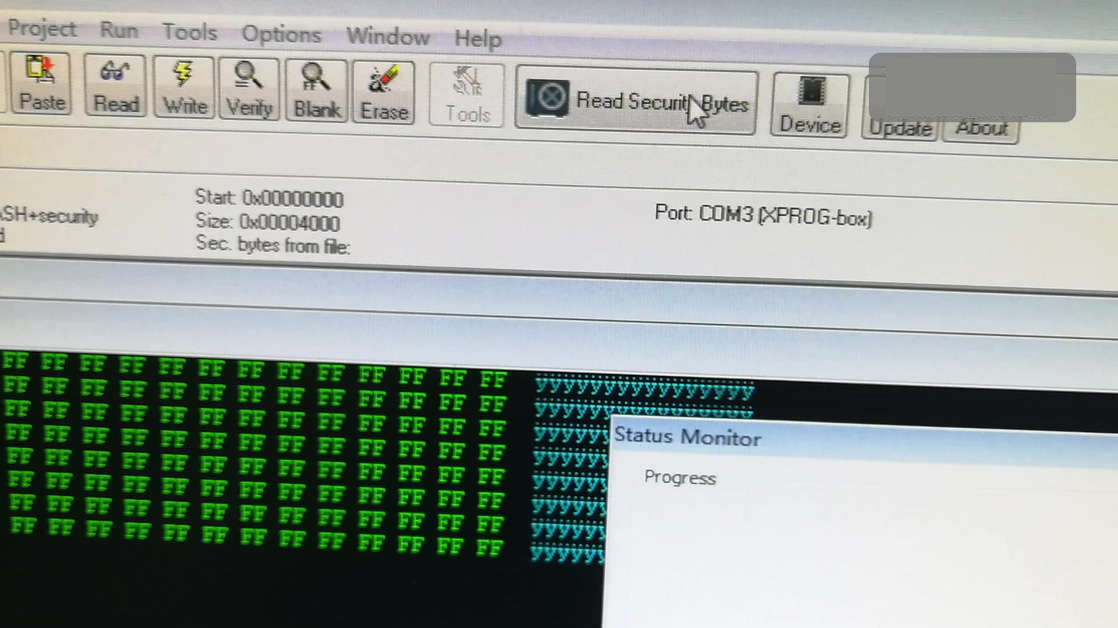
Open Xprog software(5.70,5.74,5.84),click on "Read Security Bytes".
You can see the indicator flashes during the process .
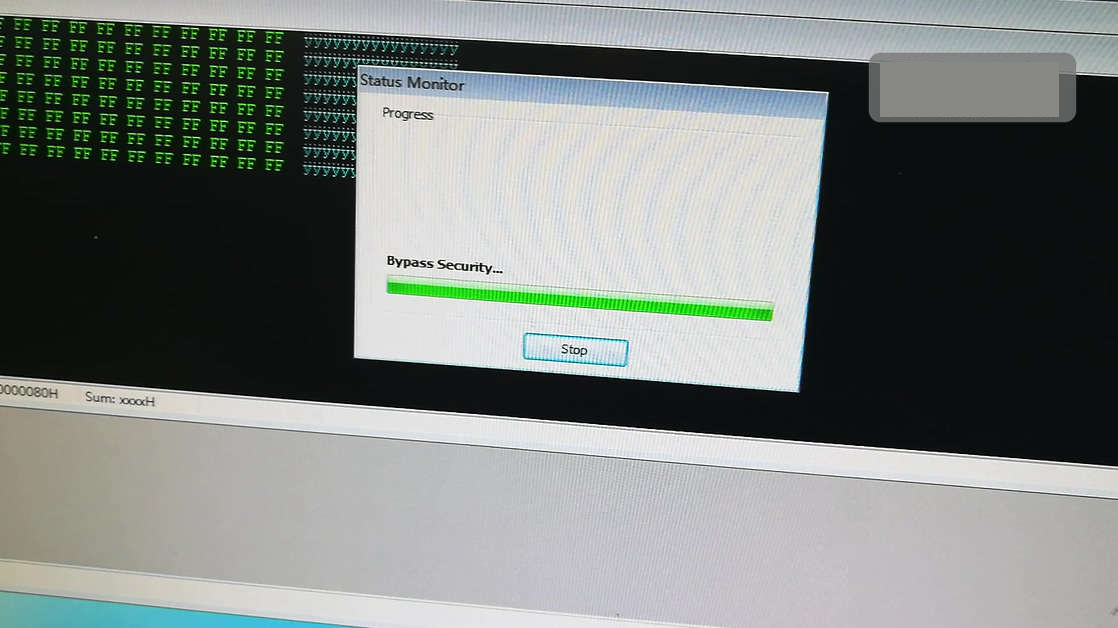
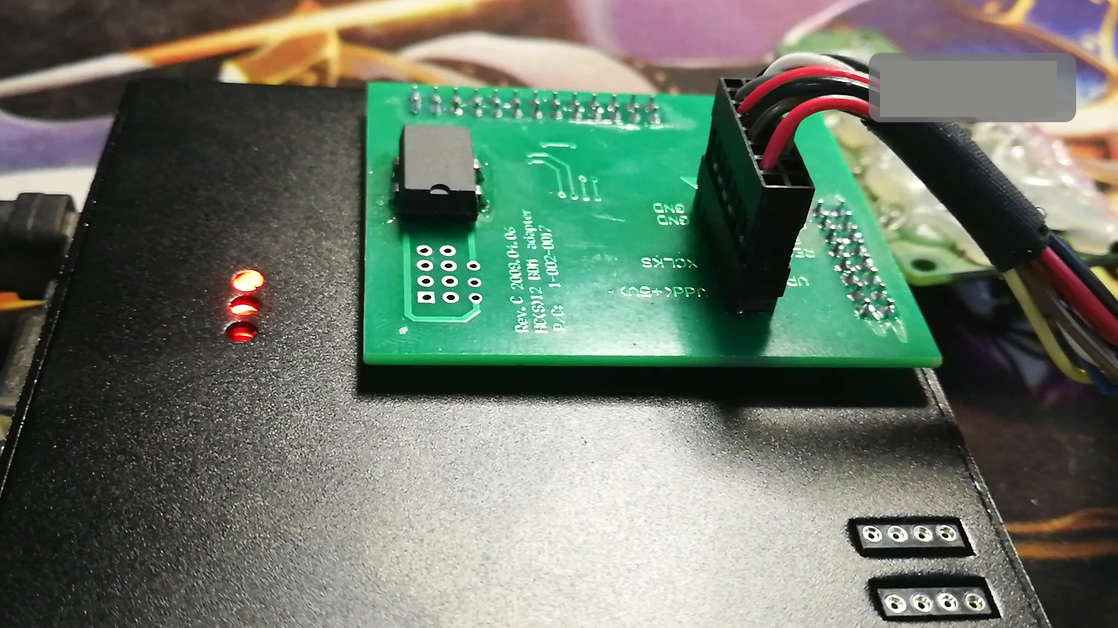
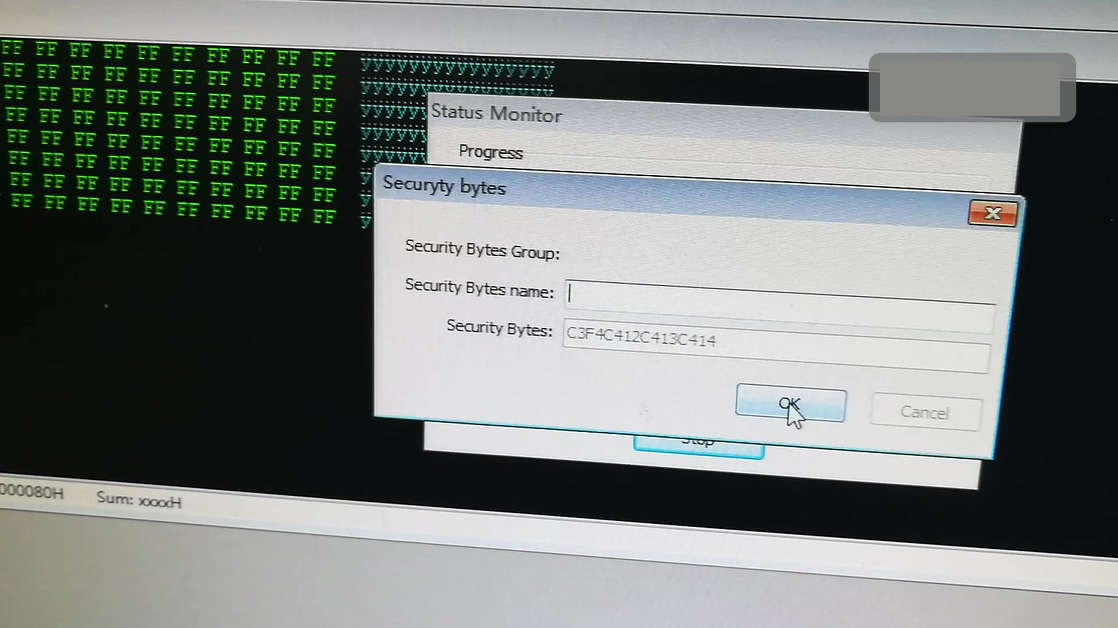
No need to enter any "Security Bytes Name",just click on "OK"
Click on "Options".then "Environment".
Select"Device",then "Manual" and then input " C3F4C412C413C414",then "OK".
Click on "Read"
Brand:Freescale
Type:MCU
Device:MC68HC908GR16(0M76Z)
Security bytes:C3G4C4412C413C414 - ok
Done
1 people like it

Advertise on APSense
This advertising space is available.
Post Your Ad Here
Post Your Ad Here
Comments