Best Practices to Create Multichannel Preview
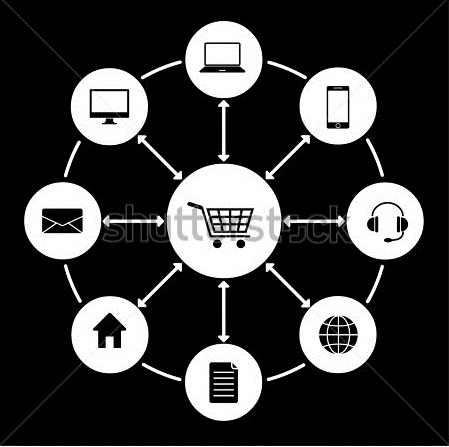
Multi Channel Preview Interface in PIM introduces user to get enriched information about the Products through different channels before the Product is actually Publish. Common Channels like mobile, web shops etc. Managing the displayed output in a particular channel for the User is the ultimate task of PIM.
Best Practices to Create The Preview are as follows :
Creating Multi Channel Preview.
Using Functions that are available
Best way to Include Images in the Preview Template
Problems to Identify
How to Create Multichannel Preview Template ?
In order to create the Preview, it would be better if we could lock the Preview via ACL Rights so that no other user can get access for that Image until it is being Modified. After locking the Preview follow the following steps from an Existing HTML site :
Decide the Target system (e.g web shop ) as the basis for Preview Template.
Identify the Object you want to Represent. Object can be anything like it could be single object, group of object to be listed or references etc.
Download the Page including all the resources it had. Place it in a Local Folder.
Open the Downloaded page and make sure it looks exactly the way you want .
Check your file in Multiple Browsers Firefox, IE, Google Chrome etc.
Read more about Best Practices to Create Multi Channel Preview visit Findnerd.
Post Your Ad Here
Comments