How PixNova AI Face Swap Works?
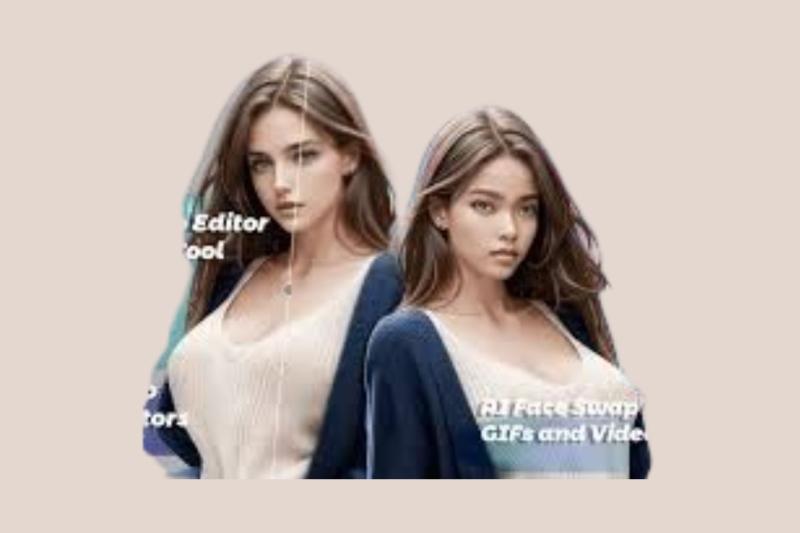
Ever wondered what it would be like to see yourself as your favorite movie character or swap faces with your best friend just for laughs? Welcome to the world of AI Face Swap—a space where fun meets technology, and PixNova is leading the charge.
Whether you're a social media enthusiast, meme creator, or just someone curious about what you'd look like in a different face, PixNova AI Face Swap makes it all possible. And the best part? It’s super easy to use—even if you’ve never touched photo editing software in your life.
In this beginner’s guide, we’ll take you through what PixNova is, how its face-swapping features work, and why it’s quickly becoming the go-to platform for creative digital transformations.
What Is PixNova AI?
Let’s start with the basics. PixNova is more than just a photo editor—it’s a complete AI-powered photo generator and editing suite packed with over 20 free and user-friendly tools. From outfit changes and anime filters to building your own virtual character, PixNova puts the power of creativity in your hands.
But the shining star of the platform? It’s without a doubt the Face Swap AI tool.
This feature lets you swap faces in photos, videos, and GIFs in just a few clicks. No editing skills, no complicated software—just upload, click, and watch the magic happen. If you’ve ever wanted to be in a movie scene, turn a GIF into a personalized meme, or prank your friends with a funny face swap, this is where it all begins.
Core Features of PixNova AI Face Swap
PixNova’s AI Face Swap is divided into three main tools: Photo Face Swap, Video Face Swap, and GIF Face Swap. Let’s break each one down so you can get a feel for what they do and how to use them.
1. Photo Face Swap
This is the most popular feature on PixNova and probably where most users begin. The concept is simple—upload a photo and choose a face to swap in. Whether it’s just one person or a whole group photo, PixNova’s technology handles it with ease.
You don’t have to crop, adjust, or fiddle with tools. Just upload the photo, pick your swap face, and the platform delivers the finished image in about 3 to 5 seconds. It’s honestly that fast.
It’s great for:
Swapping your face onto a celebrity photo
Creating funny group selfies with switched faces
Making digital avatars for profile pictures
Generating unique content for social media or marketing
Want to try it? Just go to the Photo Face Swap section on PixNova and experiment with one of your favorite photos. The results will probably surprise you—in the best way.
2. Video Face Swap
Now this is where things get really fun. Video Face Swap takes the same idea but applies it to moving pictures. Imagine taking a clip from your favorite movie or TikTok video and replacing the actor’s face with your own. Sounds like sci-fi, right? But with PixNova, it’s totally real—and really easy.
All you have to do is upload your video clip and select the face you want to use. PixNova’s AI does the rest. It keeps the original video quality intact and seamlessly blends the new face in so naturally, it almost feels like you were part of the shoot all along.
This feature is ideal for:
Creating parody videos
Adding yourself to music videos
Making custom content for YouTube, Reels, or Shorts
Playing fun pranks on your friends or coworkers
It doesn’t matter if the clip is short or a little longer—PixNova can handle it. And you don’t need any fancy software or editing experience to get it done.
3. GIF Face Swap
Who doesn’t love a good GIF? They’re the language of the internet—funny, expressive, and perfect for sharing emotions. But what if you could take those popular GIFs and drop your own face into the action?
That’s exactly what GIF Face Swap lets you do. Upload your favorite GIF or even a WebP animation, and swap in your face for a hilarious, personalized result.
You can make:
Reaction memes with your face in them
Custom stickers for messaging apps
Birthday or celebration GIFs with your friend’s face
Funny content for Twitter, Discord, or Instagram
The process is super straightforward, and once you try it, you’ll want to swap every GIF in your collection.
How Does PixNova AI Face Swap Actually Work?
Now you might be thinking, how does all of this even work? It feels almost like magic. And honestly, it kind of is—but it’s all powered by smart technology behind the scenes.
Here’s a simplified version of what happens when you use the Face Swap AI tool:
Upload Your File: You start by uploading a photo, video, or GIF that contains at least one face.
Facial Recognition: PixNova’s AI scans the image and maps out facial landmarks like eyes, nose, mouth, and chin.
Face Matching: The system then aligns those landmarks with the new face you want to use.
AI Blending: It blends skin tones, lighting, and angles so the face swap looks natural and realistic.
Rendering and Download: Within a few seconds, your final product is ready to view, download, and share.
You don’t need to adjust anything manually—the AI handles it all automatically. What you get is a professional-quality swap without needing a single editing tool.
What Makes PixNova Stand Out?
There are plenty of apps and websites that claim to offer face swapping. So why go with PixNova?
Let’s highlight what makes it different:
It's incredibly fast. Most results are ready in under five seconds.
The interface is clean and user-friendly, even for complete beginners.
There’s no need to install software—everything runs in your browser.
The quality of the swaps, even in videos, is noticeably higher than other free tools.
It works across multiple media types—photos, videos, and animated GIFs.
And perhaps best of all, many features are totally free to use.
Whether you're a content creator or just someone looking for a laugh, PixNova gives you all the tools to get creative without the headache.
Frequently Asked Questions (FAQ)
Q: What is AI Face Swap?
It’s a tool that uses artificial intelligence to replace one person’s face with another in a photo, video, or animation—instantly and realistically.
Q: How many faces can I swap at once?
PixNova supports both single and multi-face swaps. So whether it's just one person or an entire group selfie, you're good to go.
Q: Is there a limit to video uploads?
There’s no strict time limit, but for faster results and smoother rendering, shorter videos tend to work best.
Q: Do I need to pay for all features?
Many of PixNova’s features are free, though there are premium options if you want higher output resolutions or bulk processing.
Other Cool Features to Explore
Once you’ve tried the face swap tools, stick around for the other AI goodies PixNova offers. Some fun ones include:
AI-generated outfit changes
Anime-style photo conversions
A virtual girlfriend generator
Face editing and stylization tools
You could honestly spend hours exploring all the different ways you can tweak and transform your pictures.
Ready to Dive In?
The magic of Face Swap AI is that it puts creative power into the hands of everyday people. No special skills, no learning curve—just instant fun with a few clicks.
So whether you're dreaming up the next viral meme, making custom content for your friends, or just curious about how AI can make your selfies more exciting, PixNova has everything you need to get started.
You don’t even need to sign up to try most of the tools. Just head over to the platform, upload a file, and see the magic happen. And if you're looking to get started with zero cost involved, check out Face Swap Free on PixNova—it’s the easiest way to experiment with digital creativity.

Comments